 BestAIFor
Meta Prompting 2026: Step-Back Techniques for Multi-Model Orchestration
Meta prompting and step-back prompting allow AI models to collaborate, boosting reasoning and reliability in complex tasks
February 9, 2026•10 min read

TL;DR: The AI agent market grew past $7 billion in 2025. Most teams that invested in it have nothing to show yet — not because agents don't work, but because they were scoped too broadly and maintained too little. This guide covers the best AI agents in 2026, what they actually cost to run, and which situations call for skipping them entirely.
The AI agent market hit $7.63 billion in 2025. Most of the teams that spent part of that money have nothing to show for it yet.
That's not a knock on the technology. It's a scoping problem. MIT's Project NANDA tracked hundreds of AI deployments and found 95% produced zero measurable bottom-line impact in the first six months. The category has real winners. It also has a long tail of expensive pilots that quietly stopped after the demo phase.
The best AI agents 2026 can offer are narrow, well-maintained, and honest about their limits. This guide covers what holds up in real workflows, what it actually costs to run one, and — as importantly — when you should walk away.
An AI agent differs from a standard chatbot in one concrete way: it takes action. A chatbot answers questions. An agent can search the web, run code, call APIs, read files, and hand off tasks to other agents — all inside a goal-driven loop that runs until the work is done or it hits an error.
That architecture is what makes agents useful for business workflows. It's also what makes them harder to control. An agent that can take actions can take wrong actions, quickly and at scale.
When you're evaluating tools, the definition matters for one reason: a product marketed as an "AI agent" could be anything from a fully autonomous multi-step workflow runner to a chatbot that queries a database. Two questions cut through the marketing quickly: does it execute code or call external APIs on your behalf? And does it recover from errors without requiring human input? If the answer to both is yes, you're looking at an actual agent. If not, you're looking at a more capable assistant — which might be exactly what you need, but isn't the same thing. Explore our full AI agents directory for a breakdown by category.
According to LangChain's State of Agent Engineering report, only 10% of organizations are running AI agents in full production. The most common blocker, cited by 49% of teams, is inference cost that's difficult to predict and control. LangChain's 2026 State of Agent Engineering is the clearest picture of where the industry actually stands, versus where vendors say it stands.
Two structural failure modes show up across teams of every size:
Memory gaps. Most agents reset between sessions. A workflow that ran fine last Tuesday has no knowledge of what it did. For anything requiring continuity — multi-day research, account management, project tracking — this isn't a settings issue. It's an architectural constraint of how most current agents are built.
Long-task degradation. The most capable systems in 2026 succeed on roughly 50% of tasks that run longer than two hours. Something as minor as an unexpected browser pop-up can derail an autonomous session entirely. A RAND study found 80–90% of AI projects never leave the pilot phase. Gartner expects 40% of agent-specific projects to be abandoned by 2027. Those numbers aren't a reason to avoid agents. They're a reason to scope them tightly and set up monitoring from week one.
The teams winning with agents in 2026 aren't the ones who automated everything — they're the ones who automated the right two or three things, learned from the failures, and built from there. AI automation tools that complement agents are often where the compounding value actually shows up.
There's no single best agent. There's the right tool for a specific job. The table below maps agent categories to the situations they handle well — and the conditions under which they break down.
| Agent type | Best for | Skill level needed | Breaks when |
|---|---|---|---|
| No-code agents (Lindy, Gumloop) | Email triage, scheduling, CRM updates, simple routing | Low — no code required | Tasks require multi-session memory or branching logic |
| Coding agents (Devin, Cursor Composer) | Autonomous software tasks, PR generation, test writing | High — developer team required | Task is underspecified or requires product judgment calls |
| Framework-based (CrewAI, AutoGen) | Custom multi-agent pipelines, research workflows, data processing | High — Python required | Prompt architecture hits real-world variation it wasn't designed for |
| Enterprise platforms (Agentforce, Beam AI) | CRM service workflows, high-volume process automation | Medium — platform admin skills | Underlying data is messy or the org lacks clean structured records |
One thing this table can't show: integration maintenance compounds fast. Each additional system you connect — CRM, ERP, internal API, document repository — adds authentication layers, schema mapping, and a new point of failure. Budget for that engineering time, not just the tool cost.
Browse AI agents by category to compare tools within each type before committing.
The subscription price is the starting point, not the total cost.
A production agent serving real users typically runs $3,200–$13,000 per month when you include LLM API calls, infrastructure, monitoring, and the maintenance work your team needs to do monthly. That maintenance piece — 10–20 hours per month for prompt optimization and refinement — rarely appears in a vendor demo.
Token usage scales with task complexity. An agent that autonomously decides how many tools to call generates variable API bills that are hard to predict until you've run it for a few weeks. Teams that deploy agents on open-ended workflows consistently report surprise at the invoice. Track token consumption from week one. Edstellar's 2026 reliability analysis documents how 61% of companies hit accuracy or cost issues with AI tools after deployment — not before.
The ROI math that holds up: if the agent saves or generates 3–5× your investment within 12–18 months, the deployment is sound. Most narrow-scoped deployments see payback in 3–6 months. The 95% of companies that see no bottom-line impact in six months almost always share one thing: they started with a broad mandate instead of a specific task. AI productivity tools paired with a focused agent often deliver faster ROI than a standalone autonomous system.
The right choice depends more on your team's technical capacity and maintenance bandwidth than on which agent is most powerful on paper.
| Your situation | What to try first | What to skip for now |
|---|---|---|
| Small team, no engineers, want to automate email or scheduling | No-code agent — Make.com + AI action or Lindy | Developer frameworks (CrewAI, AutoGen) |
| Developer team, need custom multi-step workflows | CrewAI or AutoGen — open source, full control | Enterprise platforms until use case is proven |
| Salesforce-heavy org, want agents inside your CRM | Agentforce — already lives in your existing stack | Building a custom agent from scratch |
| High-volume repeatable data processing | n8n with an LLM action step | Fully autonomous agents without a human review loop |
| Solo founder, budget under $200/month | Lindy or a custom GPT with Actions | Anything requiring ongoing engineering to maintain |
Before you buy anything, run through this checklist. If you hit more than two "no" answers, start smaller — run the workflow manually for a month while logging every step. That log becomes your agent specification.
When the task requires judgment on ambiguous situations. Agents follow instructions well. They navigate ambiguity poorly. Customer escalations, creative decisions, or anything that requires reading an unspoken context will produce confident-sounding wrong answers. If human judgment is what makes the task valuable, automate the prep work — not the decision itself.
When your underlying data is messy. Agents are only as reliable as their inputs. Duplicate CRM records, inconsistent inbox formatting, or unstructured internal docs don't slow agents down — they amplify the problems at speed. Clean the data first. Then automate. ChatGPT and Perplexity can help you audit and restructure data before deploying an agent on top of it.
When no one owns the maintenance. Prompt degradation is quiet. The agent that works reliably in week one will drift as your workflows evolve. Without someone accountable for monthly tuning, the project doesn't fail loudly — it produces outputs that slowly stop being useful until someone notices three months later.
What's the difference between an AI agent and a chatbot?
A chatbot responds to prompts within a conversation. An agent executes tasks using external
tools — APIs, code execution, file reads, web search — and runs autonomously until the goal is reached or an error stops it. The gap is action and autonomy, not just
conversational quality.
Which AI agent is best for non-developers?
Lindy and Gumloop are the most accessible no-code options in 2026. Both handle email, scheduling, and CRM
updates without Python. Lindy's template library is the most practical starting point for teams without engineering support.
How much does it cost per month to run an AI agent in production?
Budget $3,200–$13,000 per month for a real production deployment — that includes API
costs, infrastructure, monitoring, and staff maintenance time. Subscription prices alone undercount the total.
Are AI agents reliable enough for customer-facing work?
For narrow, well-defined tasks with a human review step: yes. For open-ended customer
interactions without oversight: not yet. A 2026 survey found 61% of companies hit accuracy issues post-deployment.
How do I measure ROI from an AI agent without a data team?
Track three numbers from day one: tasks completed per week, average time saved per task,
and error rate. Compare week 1 to week 8. Flat or rising error rates mean the use case needs to be narrowed before you scale.
Can an AI agent replace an employee?
Not for roles that require judgment, relationships, or context from outside the system. The better frame: agents
remove the repeatable parts of a job so the person doing that job can focus on the parts that actually need them.
The teams getting real returns from AI agents in 2026 aren't the ones who automated the most. They picked one workflow, defined success clearly before they started, and built from that first win. Explore AI agents by use case to find the right starting point for your team.
If you're starting out: pick one repetitive inbox or scheduling task and run it through a no-code agent for 30 days. Log every failure. That log is your real specification for whether to expand or stop.
If you have engineering capacity: start with a single CrewAI or AutoGen agent, not a multi-agent system. Multi-agent setups multiply capability and failure modes in equal measure. Get one agent to production reliability before building the second.
One honest reality check: AI agents in 2026 are the best they've ever been and still fall short of what most demos suggest. The gap between "impressive in a controlled environment" and "reliable in a production workflow" is real and measurable. It's also closing. Budget for that gap, maintain your deployment properly, and you'll be in the 10% that makes it to production. Building the business case with clear ROI metrics from the start is what separates those two groups.
Meta prompting and step-back prompting allow AI models to collaborate, boosting reasoning and reliability in complex tasks
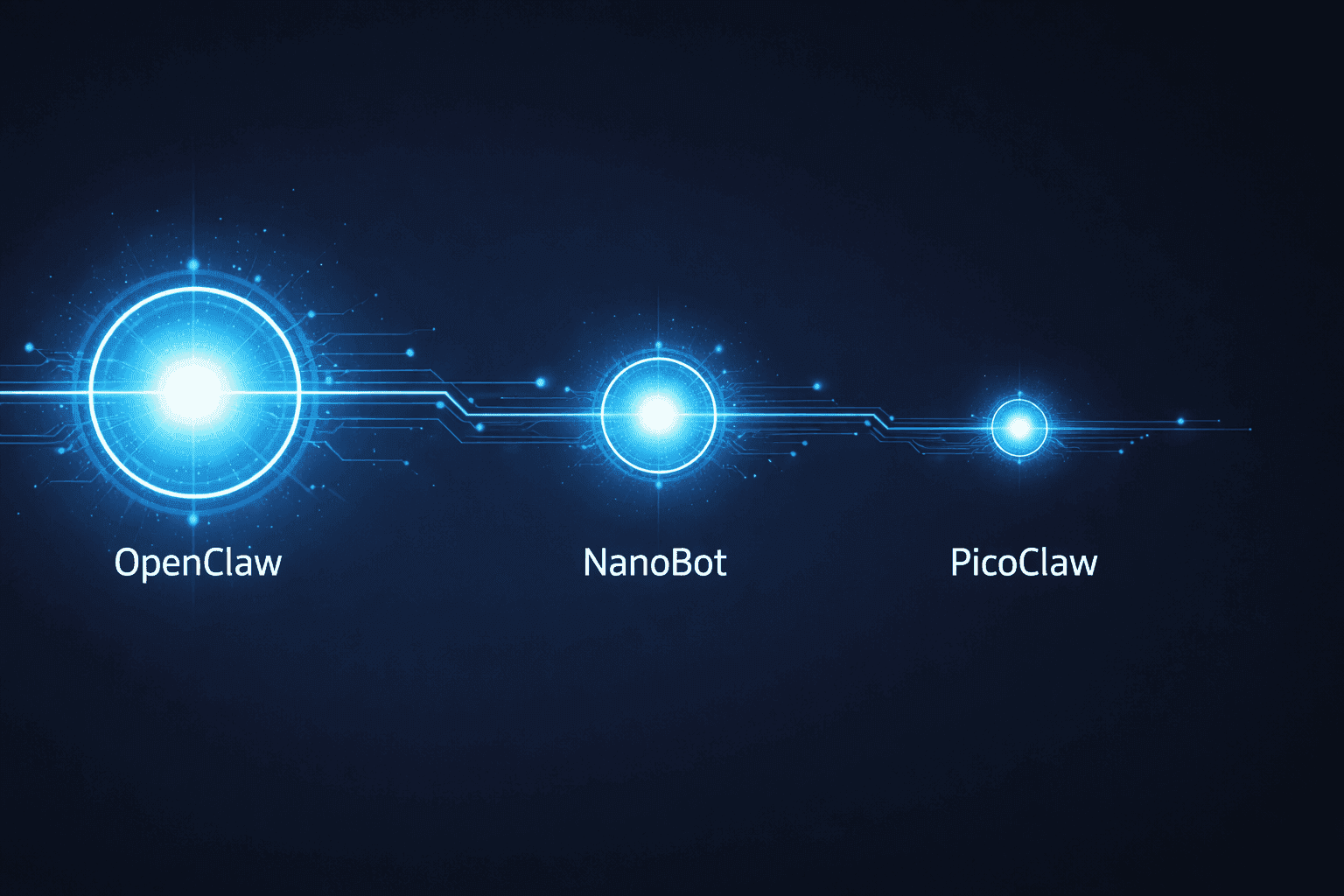
Compare OpenClaw, NanoBot, and PicoClaw — three open-source AI agents. Find the right one for your hardware, use case, and security needs in 2026.

Best AI Agents for Beginners 2026 (No Coding Needed)

The Best AI Tools to Run a One-Person Business in 2026 (No Staff, No Code)
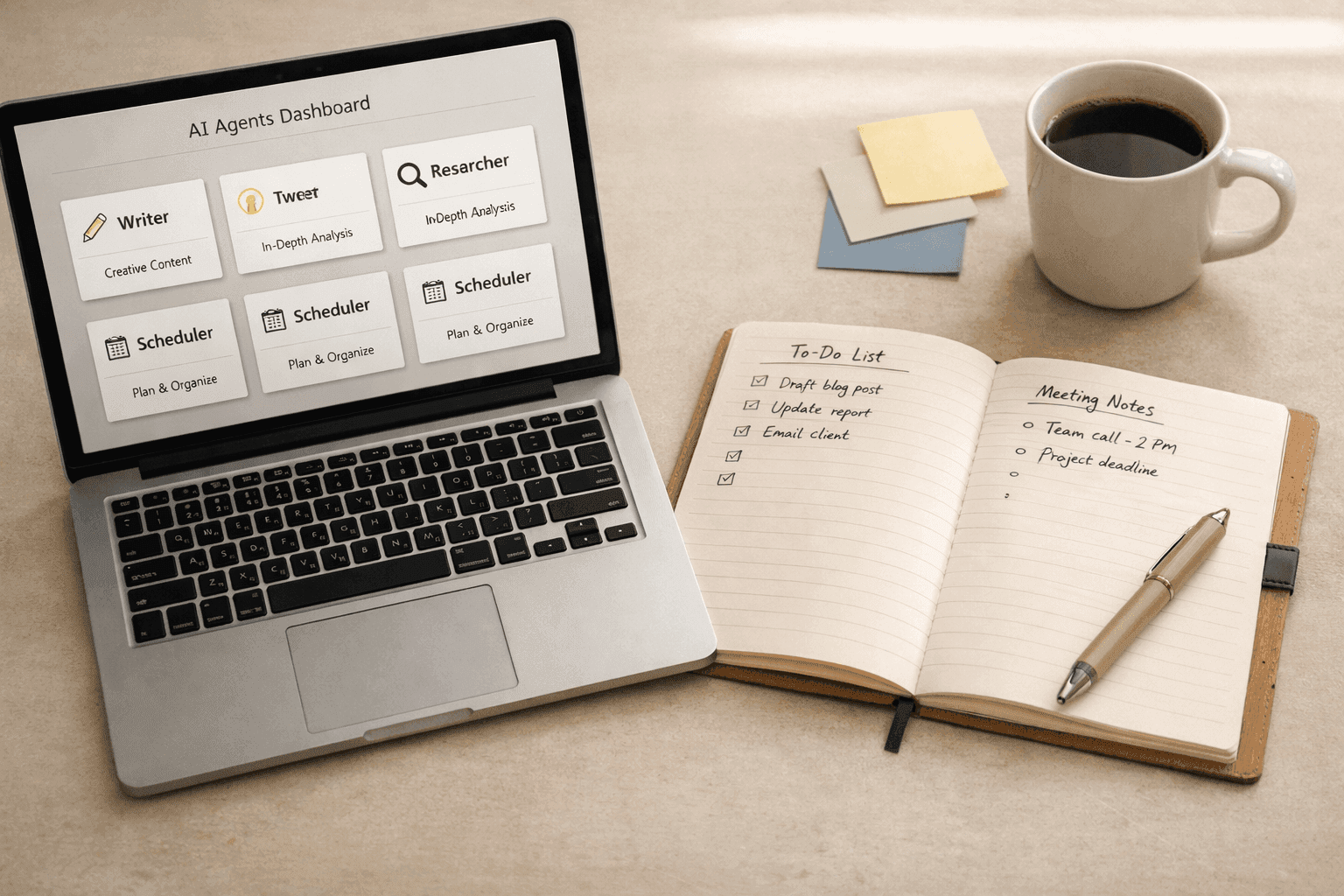
Everyone's demoing AI agents. Here's what actually happens when marketers put them to work on real tasks - an honest look at allmates.ai and four alternatives.

Agentic AI Market Size 2026: The $139B Boom Explained

GPT-5.4 shipped March 5, 2026 with native computer use, scoring 75% on real desktop tasks vs. 72.4% human baseline. Most people will prompt it like a chatbot. Here is how to actually get results.

WordPress.com added write access for AI agents in March 2026. After two weeks testing it for editorial drafts, it saves time on the parts you'd expect — and falls apart where it matters most.

ARC-AGI-3 launched March 26, 2026. Every frontier model scored below 1%: Gemini 3.1 Pro Preview led at 0.37%, GPT-5.4 at 0.26%. Here’s what the interactive agentic benchmark reveals about current AI reasoning limits.

Newsquest runs up to 30 AI-drafted stories a day via 30 AI-assisted reporters. Reuters Institute: 67% of publishers haven't saved jobs from AI yet. Here's what the workflow actually looks like.

Z.AI's GLM-5.1 scored 58.4 on SWE-Bench Pro, edging GPT-5.4 and Claude Opus 4.6 by less than 1.1 points. The benchmark lead is real — the hardware requirement to run it locally is not consumer-grade.
AI agents are pitched as the thing that finally automates the grunt work of API integration. The evidence from controlled studies and production deployments tells a messier story — real gains on narrow tasks...
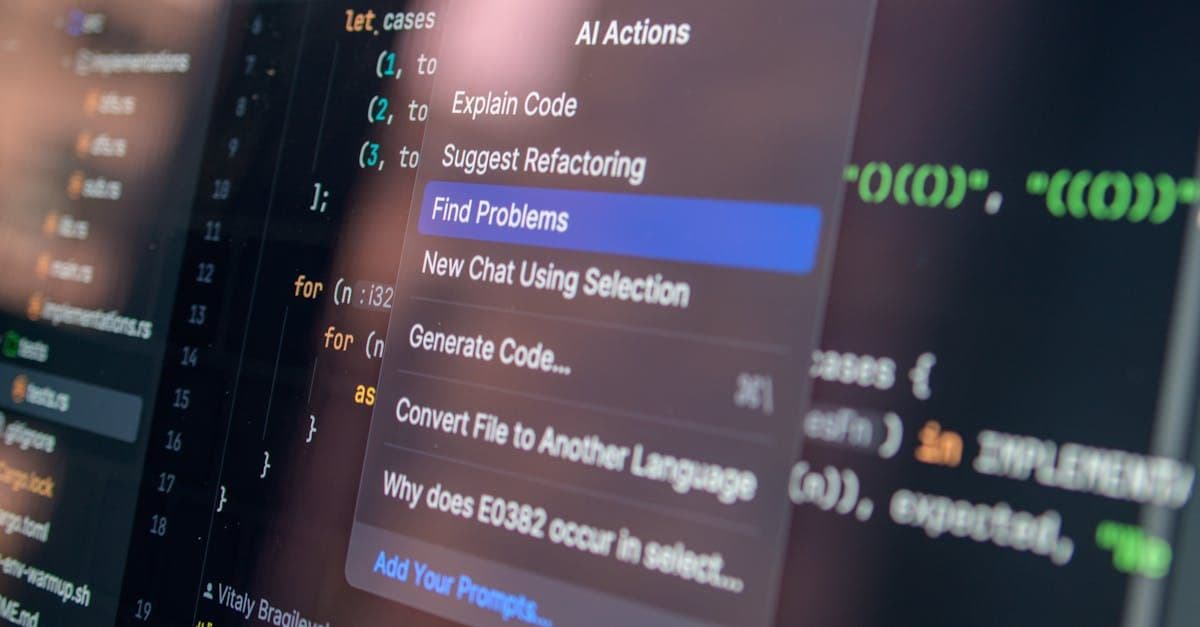
Combining multiple AI coding tools into a unified workflow is delivering measurable productivity gains for developers who get the configuration right. The efficiency argument is real — but the integration overhead is...