D
DoNotPay A Revolution in Legal Tech
DoNotPay popularized the idea of a robot lawyer for everyday problems like tickets, refunds, and forms.
January 28, 2026•3 min read
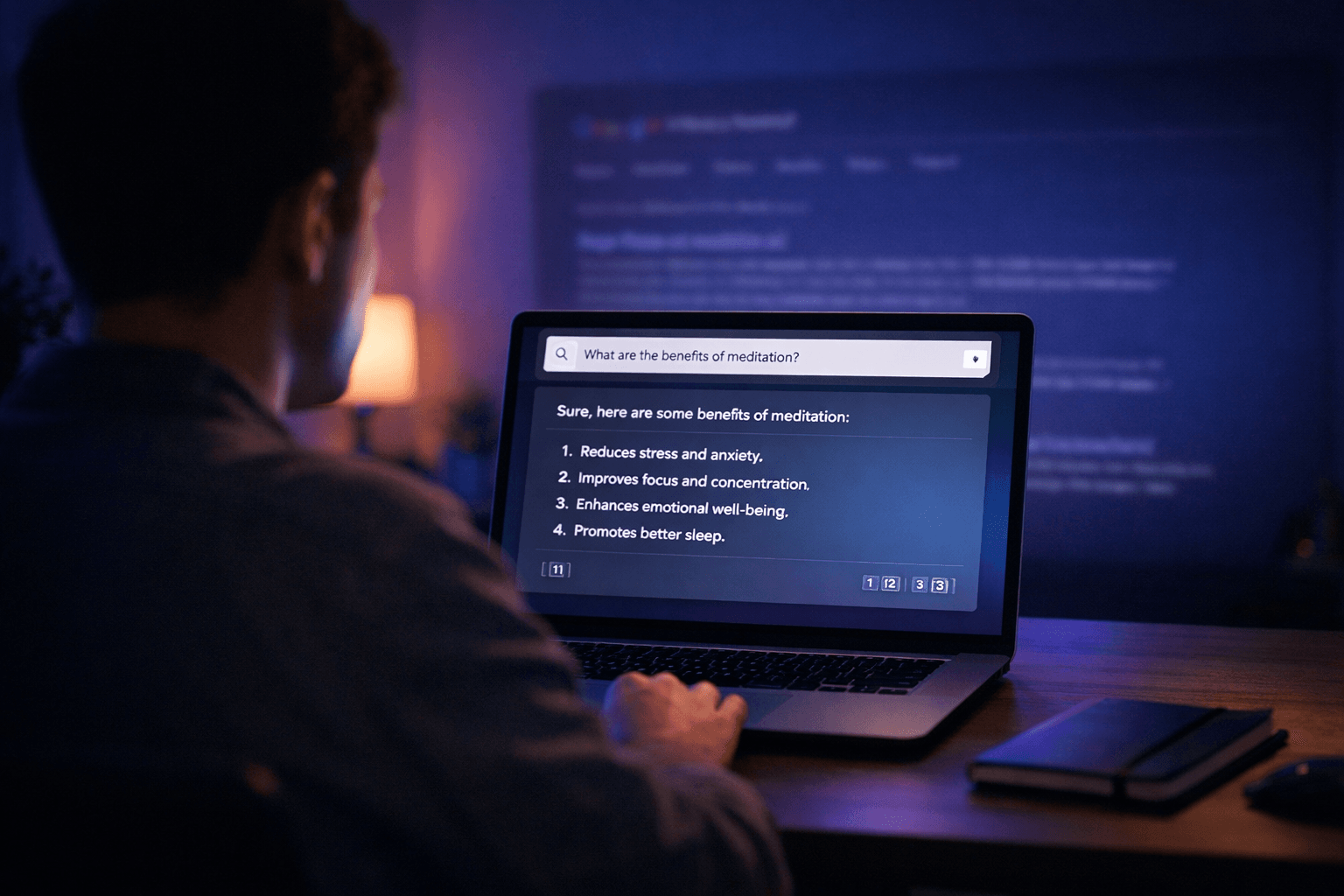
You type a question into Google. You get ten blue links back. You click the first one, skim past the ads, scroll past the fluff, and maybe — maybe — find the answer buried in paragraph seven.
Sound familiar?
There's a better way. It's called Perplexity AI, and it's quietly changing how millions of people search the web. Instead of handing you a list of links and wishing you luck, Perplexity reads the web for you, pulls together the most relevant information, and gives you a clear, sourced answer — in seconds.
This guide will show you exactly what Perplexity is, how it compares to Google, and how to start using it today — no technical background required.
Perplexity AI is an AI-powered answer engine. Think of it as a search engine that actually answers your questions, rather than pointing you toward pages that might.
Under the hood, it combines two powerful technologies:
The result? You ask a question in plain English, and Perplexity comes back with a well-structured answer, complete with numbered citations so you can verify every claim yourself.
It launched in 2022, hit 15 million users within its first year, and has been growing fast ever since. As of 2026, it's one of the most-used AI tools on the internet — and most people outside tech circles still haven't heard of it.
Before we get into how to use Perplexity, let's tackle the obvious question: why would I switch from Google?
Here's an honest side-by-side:
| Feature | Google Search | Perplexity AI |
|---|---|---|
| Result format | List of links | Direct answer with sources |
| Ads | Yes, prominently | No ads |
| Follow-up questions | No | Yes — conversational |
| Real-time web data | Yes | Yes |
| Source citations | Partial (featured snippets) | Full numbered citations |
| Research summaries | No | Yes (Deep Research mode) |
| Free tier | Fully free | Free with limits |
| Best for | Finding specific pages | Getting direct answers |
The honest answer is: they're good at different things.
Google is still unbeaten for finding a specific website, shopping, local results ("pizza near me"), or navigating to a page you already know exists.
Perplexity shines when you have a real question — something you'd normally have to open five tabs to properly understand. Research, comparisons, explanations, summaries — that's where it pulls ahead.
Head to perplexity.ai and sign up. You can use Google, Apple, or an email address. The whole process takes under a minute.
You can use Perplexity without an account, but signing up unlocks:
The free tier requires no credit card. You get unlimited basic searches from day one.
This is the biggest shift from Google: stop thinking in keywords, start thinking in questions.
On Google, you might search: best project management tools 2026
On Perplexity, try: "What are the best project management tools for a remote team of 10–15 people, and how do they compare on pricing?"
The more specific and natural your question, the better the answer. Perplexity is built for conversation, not keyword matching.
Good question examples:
Each answer comes with numbered citations in the sidebar — click any number to jump directly to the source page.
One of Perplexity's most underrated features is Focus Mode — a way to tell Perplexity where to search, not just what to search for.
You'll find the Focus button just below the search bar. Here's what each mode does:
| Mode | What It Does | Best For |
|---|---|---|
| Web (default) | Searches the open web | General questions |
| Academic | Prioritizes scholarly papers and journals | Research, health, science topics |
| Writing | Focuses on clear explanations | Learning new concepts |
| YouTube | Searches video transcripts | Finding video content on a topic |
| Searches Reddit threads | Opinions, personal experiences, reviews | |
| Wolfram | Uses Wolfram Alpha for computation | Math, data, calculations |
Example use cases:
Unlike Google, Perplexity remembers your conversation. After getting an answer, you can keep asking — just like chatting with a knowledgeable friend.
Example thread:
"What is intermittent fasting?" → Gets a solid overview
"Is it safe for people over 50?" → Perplexity knows you're still talking about intermittent fasting
"What's a good 16:8 meal plan for a beginner?" → Gives a specific, actionable plan
This conversational style is one of the biggest things Google simply can't do. No need to rephrase and re-search from scratch every time your question evolves.
If you're researching something important — a major purchase, a health decision, a business question — try Deep Research mode.
To activate it:
Deep Research takes a little longer (30–60 seconds) but produces a far more thorough report — pulling from dozens of sources, organizing findings into sections, and flagging conflicting information. Think of it as having a research assistant do the legwork for you.
This feature is available on the free plan (with daily limits) and unlimited on Perplexity Pro.
Found something useful? Don't lose it in a forgotten browser tab.
Collections let you save and organize your Perplexity searches into folders by topic. Think of it like bookmarks, but smarter — the full conversation, sources, and answers are all saved together.
To create a Collection:
Over time, Collections turn Perplexity into a personal research library — not just a one-off search tool.
Perplexity offers a Pro plan (around $20/month) that unlocks:
Is it worth it? If you find yourself hitting the daily limits on the free plan, yes — it's comparable to other AI subscriptions and gives you significantly more capability. If you're just trying it out, the free tier is genuinely useful and requires no commitment.
Here are five searches to run right now to get a feel for what Perplexity can do:
"Explain [something you've always wanted to understand] like I'm a complete beginner" — Try it with quantum computing, blockchain, or anything that's always confused you.
"Compare [Product A] vs [Product B] — which is better value in 2026?" — Great for buying decisions.
"Summarize the latest research on [health topic]" in Academic mode — Far more reliable than random blog posts.
"What are people saying about [restaurant / product / service]?" in Reddit mode — Unfiltered real opinions.
"Help me understand my options for [financial / legal / career decision]" — Get a structured overview before consulting a professional.
Fair question — and worth addressing honestly.
Google rolled out AI Mode broadly in 2025, and yes, it now does some of what Perplexity does. You can ask Google a real question and get a synthesized answer with sources, follow up conversationally, and skip the wall of links.
So why bother with Perplexity at all?
Because the differences still matter:
1. No ads — ever. Google AI Mode still serves ads above and alongside AI answers. Perplexity has no ads, full stop. That changes what you see and what gets surfaced first.
2. Focus Modes. Perplexity lets you search specifically within Reddit, academic journals, YouTube transcripts, or Wolfram Alpha. Google AI Mode searches the open web and that's mostly it.
3. Neutral results. Google's business model depends on keeping you in its ecosystem and on advertiser-friendly pages. Perplexity has no such incentive — it just finds the best answer regardless of who's paying.
4. Model choice. Perplexity Pro lets you choose which AI model answers your question — GPT-4o, Claude, or others. Google AI Mode runs on Gemini only.
5. Collections. Perplexity's saved research folders have no equivalent in Google AI Mode yet.
The honest take: if you're already using Google AI Mode and it's working for you, that's a legitimate choice. But if you've never tried Perplexity, you might be surprised by how much cleaner and more focused the experience feels — especially for research where you want to trust what you're reading.
Probably not — and you don't have to.
The smartest approach is to use the right tool for the job:
Many people who try Perplexity find that it becomes their default for anything research-related — they just didn't realize there was a better option until they tried it.
Perplexity AI isn't trying to replace Google. It's filling a gap that Google was never designed to fill: actually answering your questions.
It's free to start, requires no technical knowledge, and takes about five minutes to get comfortable with. If you're tired of wading through ads and irrelevant links to find the answer you needed all along, it's worth a try.
Start at perplexity.ai — your next search might be the last time you reach for Google first.
Sources:
DoNotPay popularized the idea of a robot lawyer for everyday problems like tickets, refunds, and forms.
Deep dive compares Grok-4 and ChatGPT 5.2, highlighting their strengths, use cases, and differences.
Meta prompting and step-back prompting allow AI models to collaborate, boosting reasoning and reliability in complex tasks
Google Cloud now offers free access to advanced AI tools like Imagen, Speech-to-Text, enabling rich research and coding applications
China Open Source LLMs: DeepSeek, Qwen & GLM Licensing Guide 2026
China LLMs 2026: Qwen vs DeepSeek vs ERNIE vs Hunyuan Compared
Stop collecting AI tools. Start building a system that works like a fractional employee-automate smarter, not harder.
Discover how ElevenLabs V3 enables teams to scale audio content globally with AI-powered dubbing, voice cloning, and sound effects
The Best AI Tools to Run a One-Person Business in 2026 (No Staff, No Code)
Muck Rack's 2026 journalism survey found 82% of journalists use AI, up from 77%. But concern about unchecked AI rose 8 points to 26%. Here is what the numbers mean for editorial teams.
GPT-5.4 shipped March 5, 2026 with native computer use, scoring 75% on real desktop tasks vs. 72.4% human baseline. Most people will prompt it like a chatbot. Here is how to actually get results.
WordPress.com added write access for AI agents in March 2026. After two weeks testing it for editorial drafts, it saves time on the parts you'd expect — and falls apart where it matters most.
Google released two AI memory migration tools on March 26, 2026 that let you move your ChatGPT or Claude context into Gemini as persistent memory. Here’s the workflow, the copy-paste prompt, and when to skip it.
Most AI users are still doing prompt engineering in 2026. Context engineering — feeding the right information at the right time — is the upgrade your workflow needs. Two copy-paste patterns included.
The early-user problem in B2B SaaS is solved by manual work, direct relationships, and ruthless prioritization — not marketing funnels or growth hacks. The tactics are well-documented and consistently replicated....
This report's twelve most important findings, ordered by importance to a solo or small-firm reader. Each is a standalone observation; the body of the report supports each in detail.
BestAIFor Research Report — version 1.0, 11 May 2026
We evaluated 15 AI tools for property managers in 2026 — only 4 publish a price you can act on without a sales call, and one is under active U.S. antitrust litigation. Download the full report.
We hand-curated and compared 15 AI tools for property managers in 2026 across leasing, maintenance, short-term rental, and all-in-one platforms — with verified pricing, the AI-in-entry-tier check, and honest pros and cons.
*By Daniele Antoniani · Last updated May 2026*
Restaurant operators face a specific kind of software sprawl problem. There's a POS for transactions, a separate scheduling tool for labor, a third platform for online ordering, and a fourth for reservations — and none of them talk to each other...
Real-time translation hardware used to be a curiosity — a crowdfunded earbud that half-worked on a good Wi-Fi day. In 2026 it's a real category, and the prices now run from about $23 to $699. We looked at 11 devices: 9 wearable earbuds and 2...